
Interactive Triangles Explorer
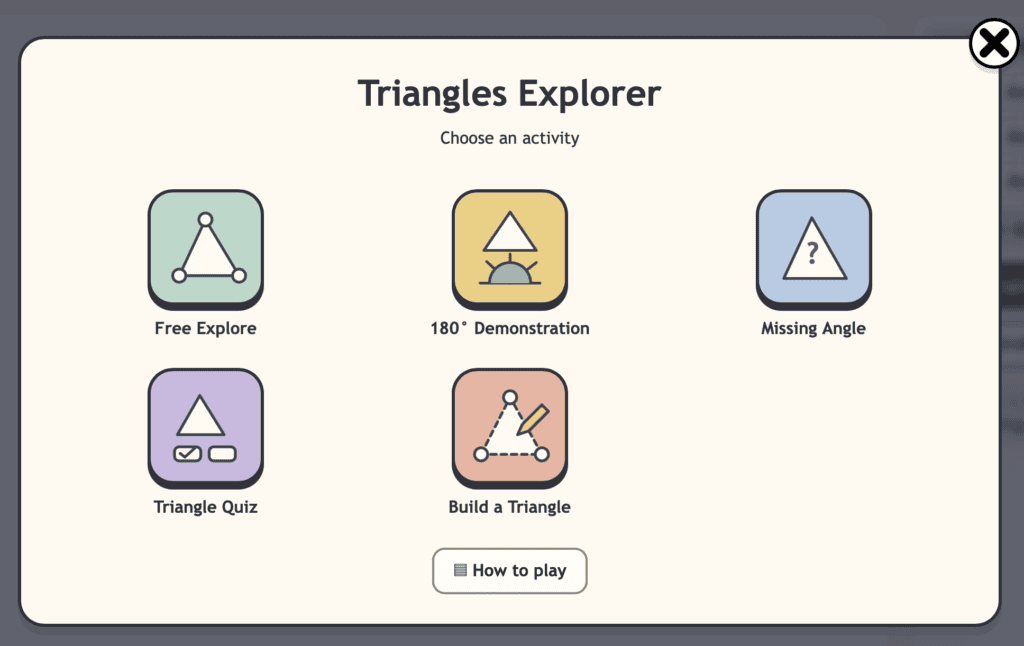
Explore triangle types, side lengths, angles and missing-angle reasoning using an interactive visual tool. Children can build and compare triangles while investigating how sides and angles work together.
⭐️ Best used in full screen mode!
Teacher Notes
Curriculum Links
This tool supports the Shape and Space strand of the Irish Primary Mathematics Curriculum, especially work in 2D shapes, triangle properties, angle reasoning, classification, spatial reasoning and geometric problem-solving. It is most suitable for 3rd Class – 6th Class, with simpler shape comparison tasks useful for younger pupils.
Children can use the Triangles Explorer to:
identify and compare triangle types, investigate side lengths, explore angles, classify triangles, reason about missing angles, compare regular and irregular examples, and explain how changing one part of a triangle affects the whole shape.
Lesson Ideas
Triangle Types
Ask children to build or identify different triangle types, such as equilateral, isosceles, scalene and right-angled triangles. Encourage them to explain how they know.
Missing Angles
Hide one angle and ask children to work out the missing value using the known angles. Reinforce the idea that the angles in a triangle total 180°.
Build a Triangle
Give children criteria such as “Make a triangle with one right angle” or “Make a triangle with two equal sides.” Ask them to build it and justify their answer.
Related Tools
Check out some other interactive tools to help children with number sense.
Angles Explorer
Explore angle size, turns, angle types and missing angles using an interactive angle tool.
Circle Explorer
Explore radius, diameter, circumference, sectors and circle properties using visual models.
Geoboard
Build shapes, explore symmetry, and investigate area, perimeter and spatial reasoning.
Want More Visual Maths Tools?
Browse the full library of free interactive maths tools for primary classrooms.
