
Interactive Geoboard
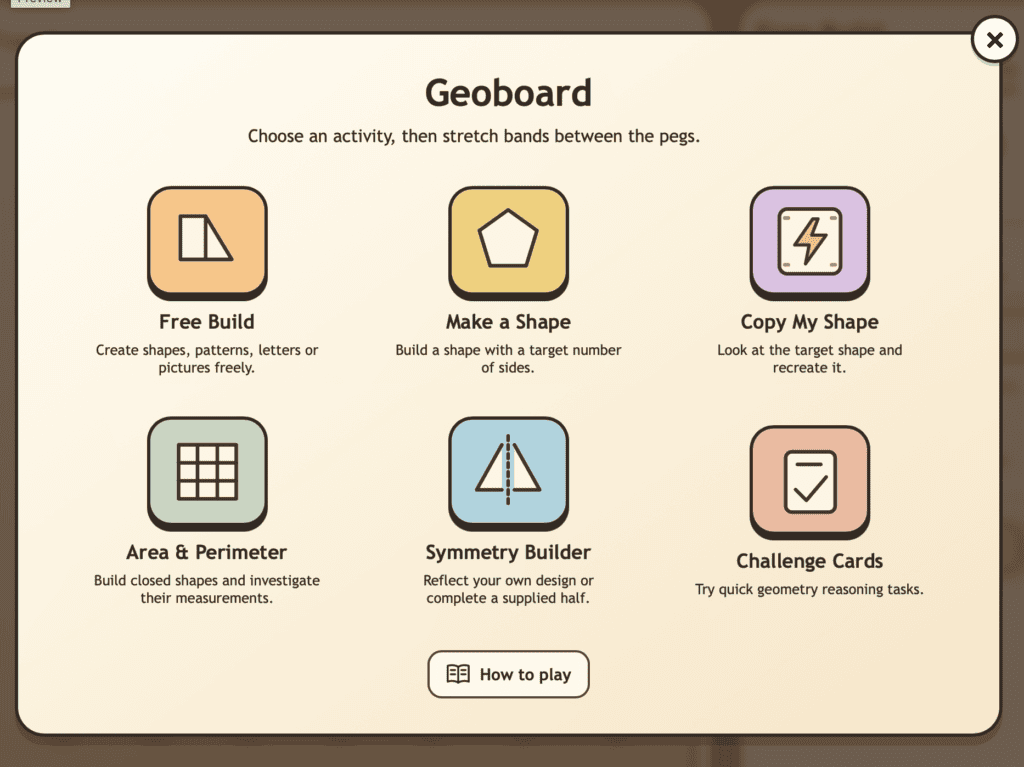
Explore shapes, symmetry, area, perimeter and spatial reasoning with this interactive geoboard. Children can stretch bands between pegs to build shapes, investigate properties, copy designs and solve geometry challenges.
⭐️ Best used in full screen mode!
Teacher Notes
Curriculum Links
This tool supports the Shape and Space strand of the Irish Primary Mathematics Curriculum, especially work in 2D shapes, spatial reasoning, symmetry, area, perimeter, position and transformation. It is suitable for Junior Infants – 6th Class, with the level of challenge adjusted through the task.
Children can use the Geoboard to:
create and name 2D shapes, compare shape properties, investigate sides and vertices, explore symmetry, build irregular shapes, estimate and measure area and perimeter, copy designs, and develop spatial reasoning through hands-on construction.
Lesson Ideas
Free Shape Building
Ask children to create any shape or design using the geoboard bands. Encourage them to describe their shape using mathematical language such as sides, corners, straight lines and curved lines.
Make a Shape
Give children a target shape to build, such as a triangle, square, rectangle, pentagon or hexagon. Ask them to explain how they know their shape matches the target.
Area and Perimeter
Ask children to build a closed shape and investigate its area and perimeter. Compare two shapes with the same area but different perimeters, or the same perimeter but different areas.
Related Tools
Check out some other interactive tools to help children with number sense.
Pentominoes
Build puzzles, explore shape arrangements and develop spatial reasoning through hands-on challenges.
Hundred Square
Explore counting patterns, place value, skip counting, odd/even numbers and multiples.
Want More Visual Maths Tools?
Browse the full library of free interactive maths tools for primary classrooms.
