
Interactive Clock
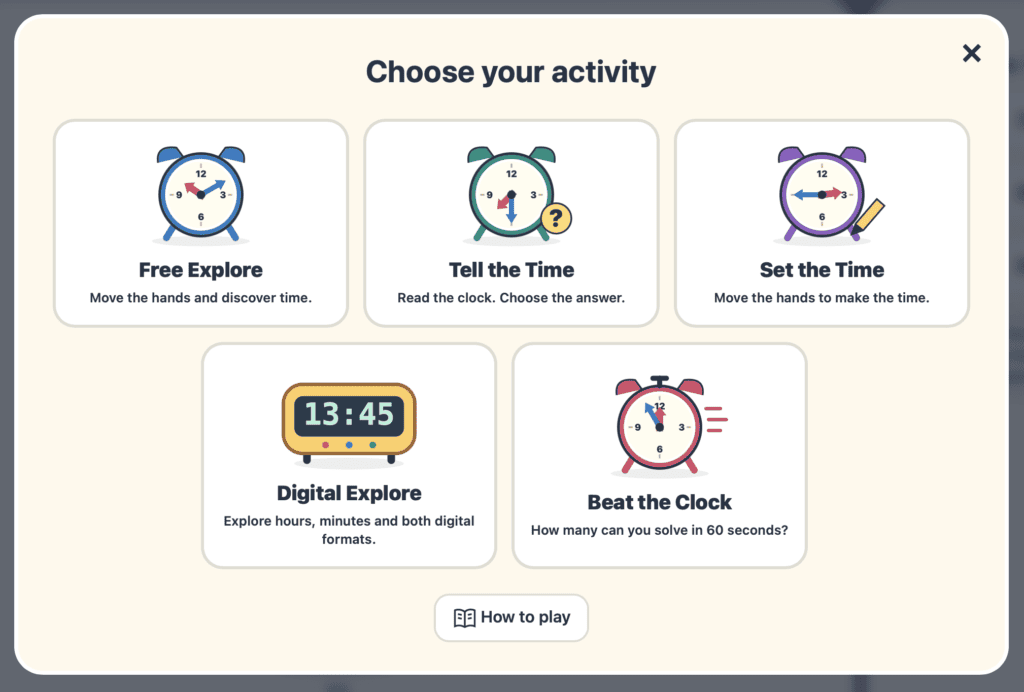
Explore time in a clear, visual and interactive way with a clock designed for whole-class teaching and independent practice. Children can read and set analogue times, connect them with digital displays, investigate hours and minutes, and develop confidence with key time vocabulary. The tool is ideal for demonstrating concepts, posing quick challenges and building a secure understanding of how clocks work.
Teacher Notes
Curriculum Links
This tool supports the Measures strand of the Irish Primary Mathematics Curriculum, particularly the Time strand unit. It is suitable across Junior Infants – 6th Class, progressing from developing a sense of time to reading analogue and digital clocks, exploring equivalent representations, comparing units, and solving practical time problems. Curriculum Online
Children can use Interactive Clock to:
read and set analogue times, connect analogue and digital representations, explore hours and minutes, practise half-hour and quarter-hour intervals, work with five-minute intervals, compare times, investigate 12-hour and 24-hour formats, and develop confidence with time vocabulary and elapsed time.
Lesson Ideas
Set the Time
Call out a time and ask children to move the clock hands to show it. Progress from o’clock and half past to quarter hours and five-minute intervals.
Read the Clock
Set a time on the analogue clock and ask children to read it aloud or write the matching digital time. Encourage correct use of past and to vocabulary.
What Time Next?
Show a starting time and ask children what the clock will show after 15, 30 or 60 minutes. Use the hands to model how time moves forward.
Match the Times
Display an analogue time and challenge children to find or state its matching digital representation. Extend the activity by comparing 12-hour and 24-hour notation.
MoreTools
Check out some other interactive tools to help children with all things math!
Want More Visual Maths Tools?
Browse the full library of free interactive maths tools for primary classrooms.
