
Interactive Symmetry Explorer
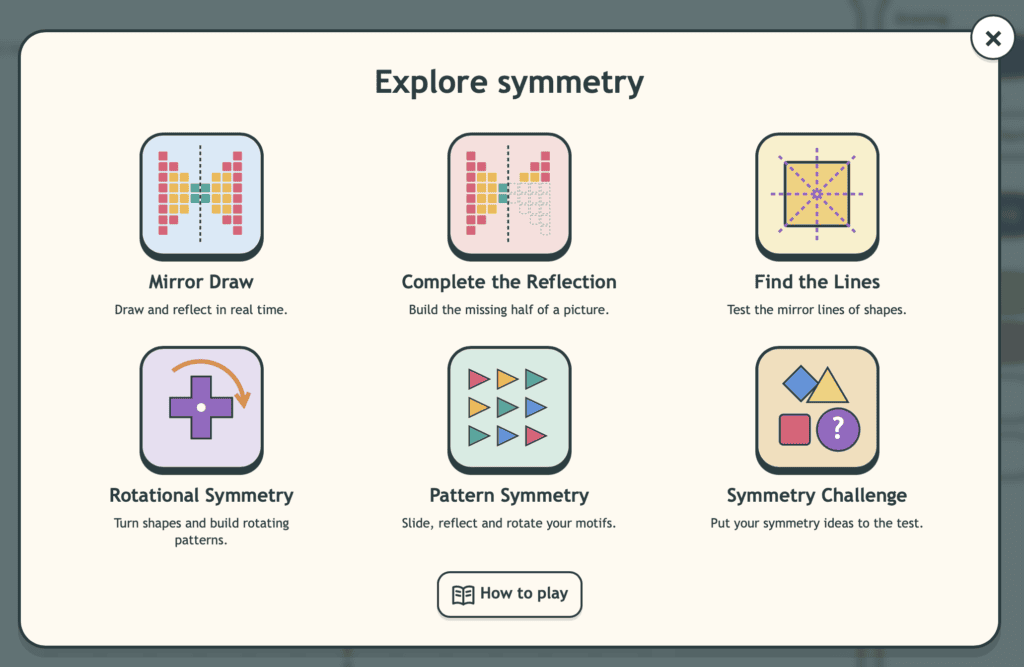
Explore symmetry through an interactive workspace designed to make reflection and pattern clear, visual and engaging. Children can investigate lines of symmetry, complete reflected shapes, create symmetrical designs and explore rotational symmetry while developing spatial awareness, geometric reasoning and confidence with transformations.
Teacher Notes
Curriculum Links
This tool supports the Shape and Space strand of the Irish Primary Mathematics Curriculum, particularly the Transformation strand unit. It is most suitable for 1st Class – 6th Class, progressing from recognising and creating reflective symmetry to exploring rotational symmetry and reflecting shapes accurately using grids and coordinate systems. curriculumonline.ie
Children can use Symmetry Explorer to:
identify lines of symmetry, complete reflected shapes, create symmetrical pictures and patterns, explore mirror lines, investigate rotational symmetry, compare different transformations, reflect shapes on grids, and explain how they know a design or shape is symmetrical.
Lesson Ideas
Complete the Reflection
Draw half of a shape or picture on one side of a mirror line and ask children to complete the other half. Encourage careful counting of squares and discussion of matching distances.
Find the Lines
Show a selection of regular and irregular shapes and ask children to identify how many lines of symmetry each has. Compare their answers and explain how they checked.
Create a Symmetrical Design
Ask children to build their own symmetrical pattern using the drawing tools. They can then swap with a partner to identify the mirror line and check the reflection.
Turn and Match
Explore rotational symmetry by turning a shape around its centre. Ask children to predict when the shape will match itself again and identify its order of rotational symmetry.
Related Tools
Check out some other interactive tools to help children with number sense.
Algebra Scales
Explore balance, equality, unknown values and equations using interactive scales.
Bar Models
Represent part-whole, comparison and word problems using clear visual bar models.
Hundred Square
Explore counting patterns, place value, skip counting, odd/even numbers and multiples.
Want More Visual Maths Tools?
Browse the full library of free interactive maths tools for primary classrooms.
